








A message says your bank account will be blocked unless you update your KYC, and it comes with a link to download an app. Many people have learned not to share an OTP on a call. Far fewer know that the app itself can be the trap. A newly reported scam network, which researchers have named “MR ROBOT”, does exactly this: it rents out Android malware that hides inside fake bank, KYC and bill-payment apps and quietly reads your OTPs.
What Is This Scam?
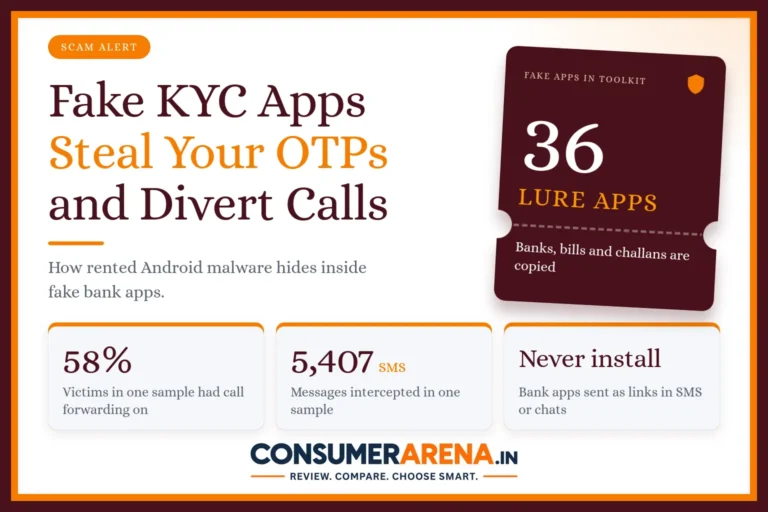
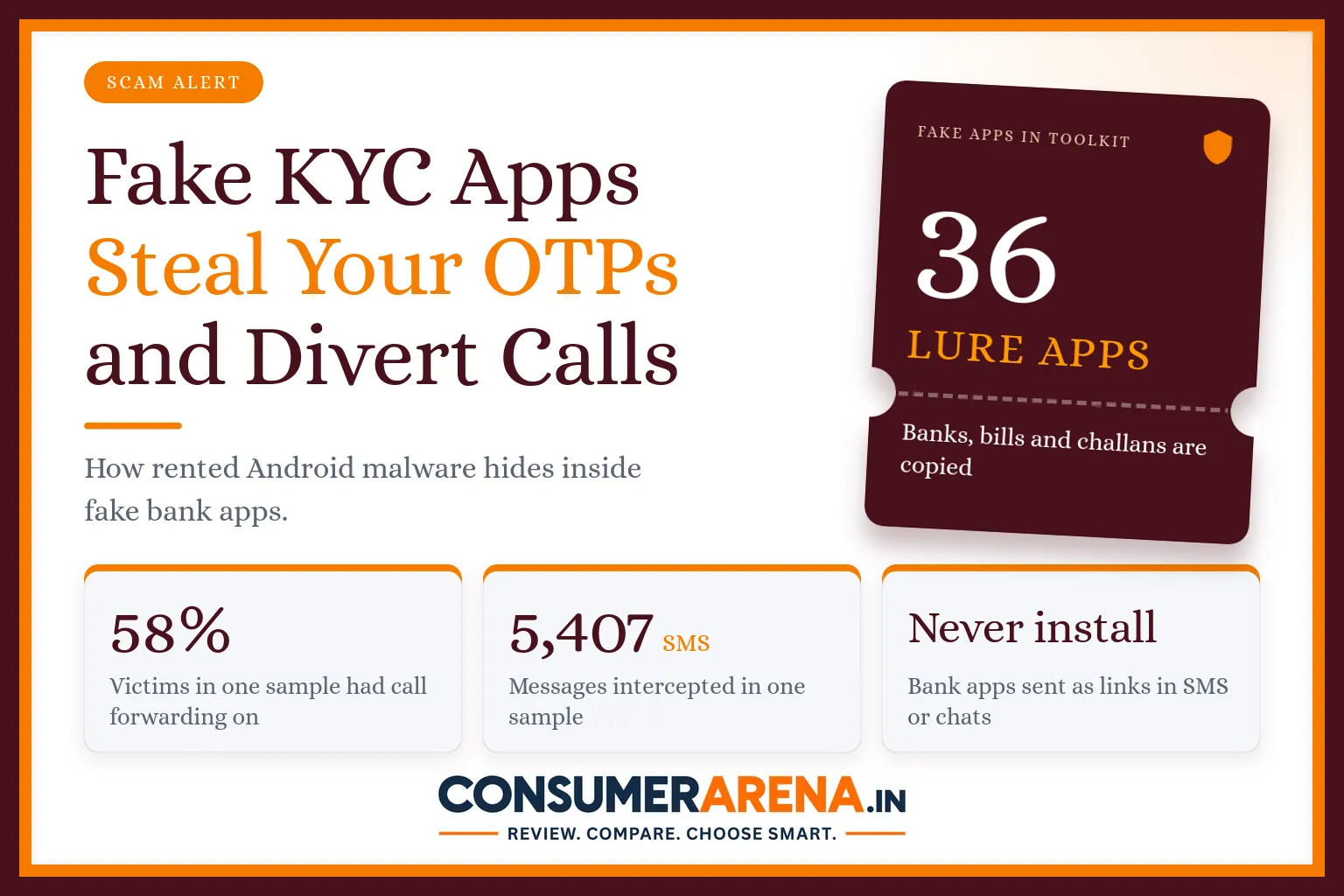
Security researchers found a group that rents out ready-made banking malware to other fraudsters. Criminals who pay for it get a toolkit with about 36 fake apps. Nine of them copy public and private sector banks. Others pretend to be gas, water and electricity bill pages, mobile recharge pages, government services such as an “Aadhaar update”, and traffic-fine screens that say “RTO Challan”.
The fake apps are not on the Play Store. Victims get a link through WhatsApp, Telegram or SMS that opens a page designed to look like the Google Play Store. Tapping “Install” downloads a file that your phone will install only if you allow installation from an unknown source.
What the Fake App Can Do to Your Phone
Once it is installed, the app does several things at the same time, and most of them are invisible to you.
- It hides its own icon, so you may not find it on your phone later.
- It reads incoming text messages, including the OTPs your bank sends, and passes them to the criminals.
- It switches on call forwarding in the background, so a verification call from your bank can ring on the fraudster’s phone instead of yours.
- It shows fake screens that ask for your Aadhaar, PAN, card number, CVV, ATM PIN, UPI PIN or net-banking password.
- It stays quiet for a while after installation and changes its digital signature from copy to copy, which helps it avoid being caught by security checks.
Put together, this is powerful. The criminals have your login details and your OTPs, and they can stop the bank from reaching you to confirm a suspicious transaction.
How Big Is It?
The researchers looked at the dashboards of two of the people using the toolkit. One showed about 154 infected phones and roughly 3,270 intercepted messages. The other, as of 30 July 2026, showed 153 phones and 5,407 intercepted messages, with call forwarding active on 58% of the victims. The messages included OTPs from more than a dozen banks and payment services. These are findings from a small sample of what researchers could see, not a count of all victims in India, so the real number is not known.
Most victims in that sample used budget Android phones, and their SIM cards came from all four major mobile networks. In other words, nobody was safe because of their phone brand or network.
Warning Signs You Should Not Ignore
- A message or call asking you to “update KYC” or “re-verify Aadhaar” by installing an app.
- A traffic-fine or bill-payment page that asks for a small fee, such as ₹9 or ₹10, and also asks for your PAN or other personal details.
- An app asking for permission to read your SMS and manage your calls, when it has no reason to.
- An app whose icon disappears after you open it.
- OTPs that suddenly stop arriving, or bank calls that never seem to ring on your phone.
How to Protect Yourself
- Install apps only from the official Play Store or App Store, and check the developer’s name. Banks do not send app links by SMS, WhatsApp or Telegram.
- Do not allow “install from unknown sources” for your browser or messaging apps. If it is switched on, turn it off in your phone settings.
- Keep Google Play Protect switched on, and look through the list of apps that have SMS and call permissions. Remove any you do not recognise.
- Pay traffic challans, electricity bills and gas bills only through the official portal or the app of your bank, never through a link someone sends you.
- Never share OTPs, card details or PINs, even if the screen looks exactly like your bank’s.
What To Do If You Think You Installed One
Act quickly, because every minute counts when OTPs are being read.
- Call your bank’s official helpline from another phone if you can, and ask them to block your cards, UPI and net banking.
- Dial *#21# on your phone to see whether calls are being forwarded. If they are, dial ##21# to cancel the forwarding.
- Switch on flight mode, then uninstall the app. If it will not uninstall, a factory reset after backing up your photos and contacts is the safest option.
- Change your net-banking and UPI passwords and PINs from a clean device.
- Report the fraud on the national cyber crime portal, cybercrime.gov.in, or call 1930, as soon as possible. Ask your bank to freeze the account that received your money.
Frequently Asked Questions
Can a fake bank app steal my OTP even if I never share it?
Yes. Once the malware has permission to read your text messages, it can copy an OTP the moment it arrives and send it to the criminals. You do not have to read it out to anyone.
Does this only affect Android phones?
The malware described here is built for Android phones, and it spreads through installation files outside the Play Store. iPhones do not allow apps to be installed this way in the same manner, but fake links and KYC calls can still target iPhone users in other ways.
How do I check whether my calls are being forwarded?
On most phones you can dial *#21# and the screen shows the forwarding status. Dialling ##21# cancels forwarding. If you are unsure, ask your mobile operator to confirm that no forwarding is active on your number.
Does my bank really ask me to update KYC through an app link?
Banks may ask for KYC updates, but they do not ask you to install an app from a link sent by SMS, WhatsApp or Telegram. If in doubt, visit your branch or log in to the bank’s own app or website.
What should I do if money has already left my account?
Call your bank right away and ask it to block your accounts and freeze the account that received the money. Then report it at cybercrime.gov.in or call 1930. Reporting early improves the chance of stopping the transfer.
Related articles
 Online ScamFake Welfare Scheme Ads on Facebook and Instagram: How the Deepfake UPI Scam Works24 Oct 2026
 Online ScamFake E-Challan Messages: How to Spot the Scam and Check a Real Challan23 Oct 2026
 Online ScamFake Customer Care Number Scam: How to Find the Real Helpline Before You Call18 Oct 2026
 Online ScamMule Account Scams: Why Renting Out Your Bank Account Can Land You in Trouble15 Oct 2026