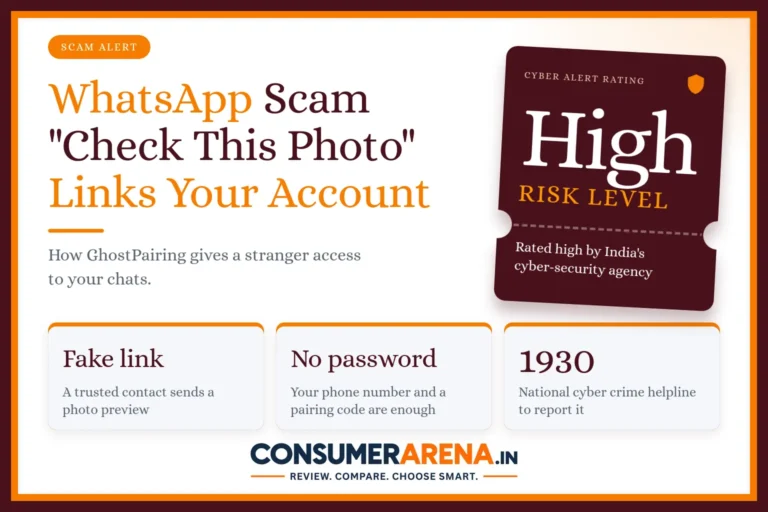










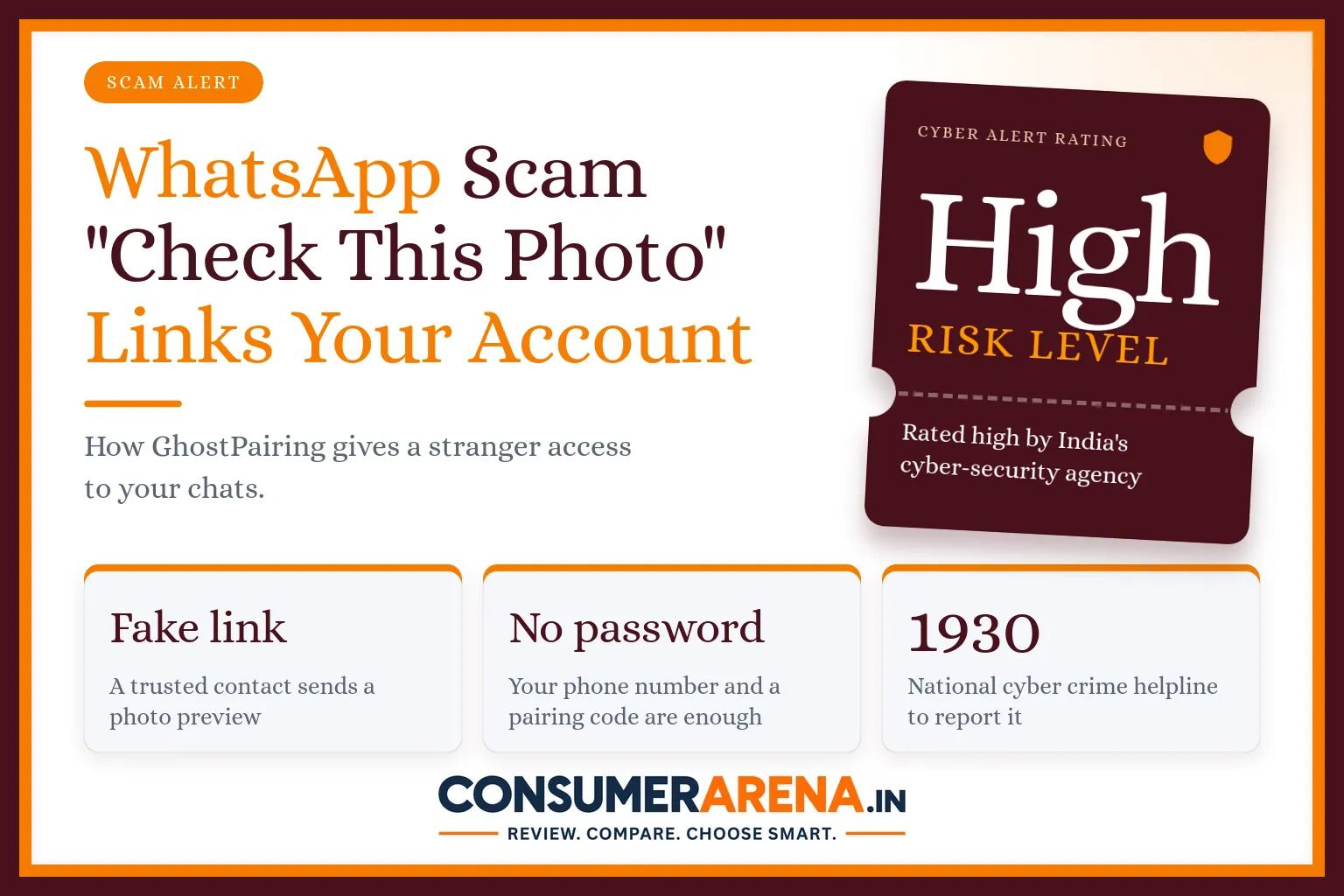
A message pops up from a friend or a relative: “Hi, check this photo.” There is a link with a neat preview. You tap it, and a page asks you to verify yourself before it shows the picture. Many people would do exactly that. With the GhostPairing scam, this small step can hand your WhatsApp account to a stranger.
India’s cyber-security agency rated this campaign “high” risk when it warned users in December 2025. The trick is still easy to repeat, so it is worth knowing how it works before a message like this reaches you.
How does the GhostPairing scam work?
WhatsApp lets you use your account on more than one device, for example on a laptop through WhatsApp Web. One way to link a new device is to enter your phone number and receive a pairing code. The scam turns this helpful feature against you.
- You get a message from a contact you trust, often something short like “Hi, check this photo.”
- The message carries a link that looks like a Facebook preview.
- The link opens a fake page that says you must verify yourself before you can see the content.
- The page asks for your phone number. Behind the scenes, the scammer uses it to link their own browser to your WhatsApp account.
- You enter the pairing code, thinking it is a normal check. Now the scammer’s device is quietly added to your account.
No password is stolen and no SIM card is swapped. You allow the link yourself, without knowing it.
Why is it so dangerous?
Once the scammer’s device is linked, they get almost the same view of your account as you have on WhatsApp Web. They can read your messages, see photos, videos and voice notes, and receive new messages as they arrive. They can also write to your contacts and groups as if they were you.
That last part is how the scam spreads. Your friends see a message from you, trust it, and the same link goes round again. It can also be used to ask your family for money, because the request looks like it is coming from you.
Why does it work on sensible people?
Because it does not look like a scam. The message comes from someone you know. The link seems to open a familiar website. The “verify” step feels like the sort of thing apps ask all the time. Scammers count on you tapping quickly, without stopping to think.
How can you check if your account is already linked?
Take two minutes to look. This check is worth doing even if you have clicked nothing.
- Open WhatsApp and go to Settings.
- Tap “Linked devices”.
- Read the list. Every device there should be one you use, such as your own laptop.
- If you see a device or browser you do not recognise, tap it and choose “Log out”.
After removing a strange device, change any other passwords you may have shared in your chats, and tell your close contacts that your account was misused so they do not trust messages sent in your name.
What can you do to stay safe?
- Do not tap links in unexpected messages, even when they seem to come from someone you know.
- Never type your phone number into a website that claims to be WhatsApp or Facebook.
- If a friend sends a vague message with a link, call them or ask on another app whether they really sent it.
- Check your “Linked devices” list every few weeks.
- Turn on two-step verification in WhatsApp under Settings, Account, so a PIN is needed to register your number.
What if you have already lost money or control of the account?
Act quickly. Log out all linked devices, warn your contacts, and report the matter on the national cyber crime helpline 1930 or at cybercrime.gov.in. If money has gone from your bank account, tell your bank at once as well. Keep screenshots of the messages and the link, because they help the investigation.
Frequently Asked Questions
What is the GhostPairing scam?
It is a WhatsApp scam in which a link, usually sent from a contact’s hacked account, tricks you into entering your phone number and a pairing code. This links the scammer’s device to your account without a password or a SIM swap.
Can someone read my WhatsApp if they have not stolen my password?
Yes, if they manage to link their device to your account. A linked device can see your synced chats, media and new messages, which is why checking your linked devices matters.
How do I remove a strange device from WhatsApp?
Go to Settings, tap Linked devices, choose the device you do not recognise and tap Log out. You can do this at any time.
Does two-step verification stop this scam?
It adds a useful extra layer because a PIN is needed to register your number on a new phone. It is still best to avoid the link and to check your linked devices, since the scam works by getting you to approve the new device.
Where do I report a WhatsApp hijack in India?
Call the national cyber crime helpline 1930 or file a complaint at cybercrime.gov.in. Tell your bank immediately if any money was taken.
Related articles
 Online ScamFake Bank and KYC Apps: How the “MR ROBOT” Malware Steals OTPs and What You Should Do30 Oct 2026
 Online ScamFake Welfare Scheme Ads on Facebook and Instagram: How the Deepfake UPI Scam Works24 Oct 2026
 Online ScamFake E-Challan Messages: How to Spot the Scam and Check a Real Challan23 Oct 2026
 Online ScamFake Customer Care Number Scam: How to Find the Real Helpline Before You Call18 Oct 2026